Editing Completed Tasks and the Audit Log
Summary
- Any task values are now editable (as long as it makes sense to do so) by right-clicking on a task and clicking Edit Task
- Completed tasks can also be edited
- An audit log is updated if completed tasks are edited
- You can also use Fill Down and Fill Series on completed tasks (fully audited)
- A task can be edited from within the task list or within a batch
Details
Previously, it was possible to edit a completed tasks name, description and notes fields directly in the task list. We have removed this direct editing behavior to prevent accidental and undesired changes to completed tasks.
We have made the editing of completed tasks an explicit operation by requiring you to right click on a task and select Edit Task
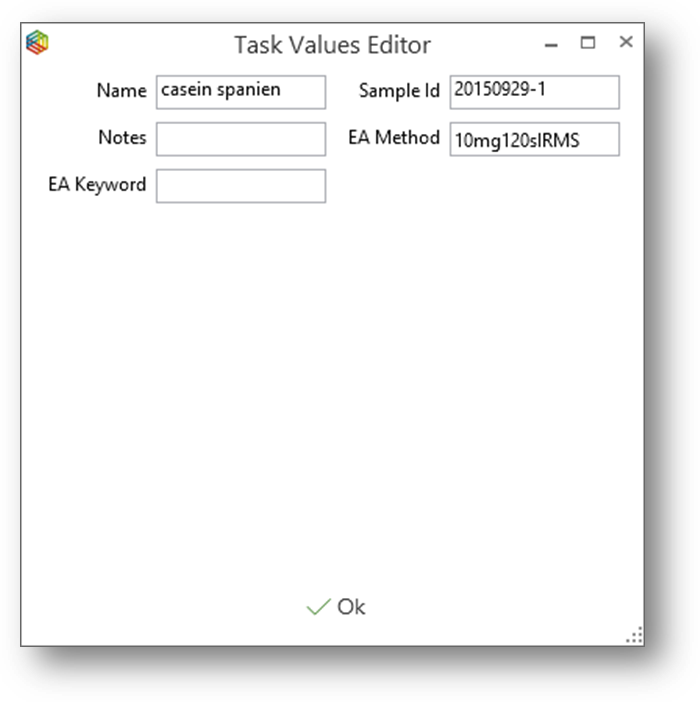
Any changes that are made to a task once it has been completed are automatically logged in the tasks Audit Log.
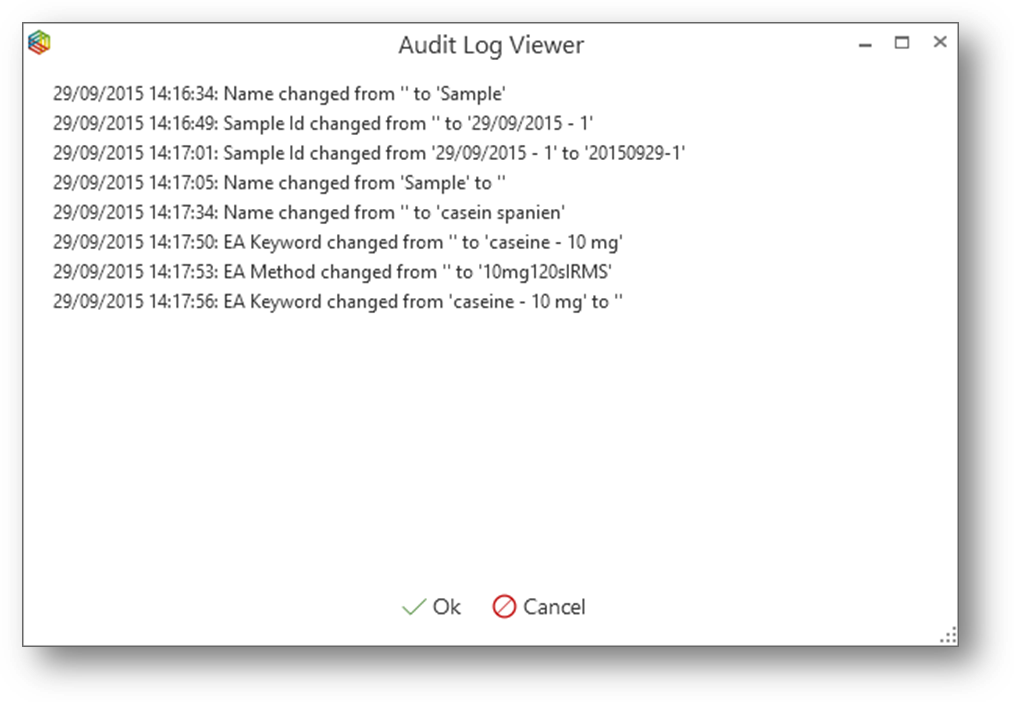
The Audit Log will remain with the task at all times. For example, if it is exported as part of any lyticOS Archive files.